Step-by-step instructions for document matching and processing
In many business processes, delivery notes and invoices need to be matched and
processed together. With Automatic PDF Processor, you can automatically identify
related documents, merge or organize them, and route them to the appropriate destinations.
Typical use cases
- Match delivery notes with corresponding invoices
- Merge related documents into a single PDF
- Archive invoice with delivery note as attachment
- Print matching documents together
- Route documents to different departments
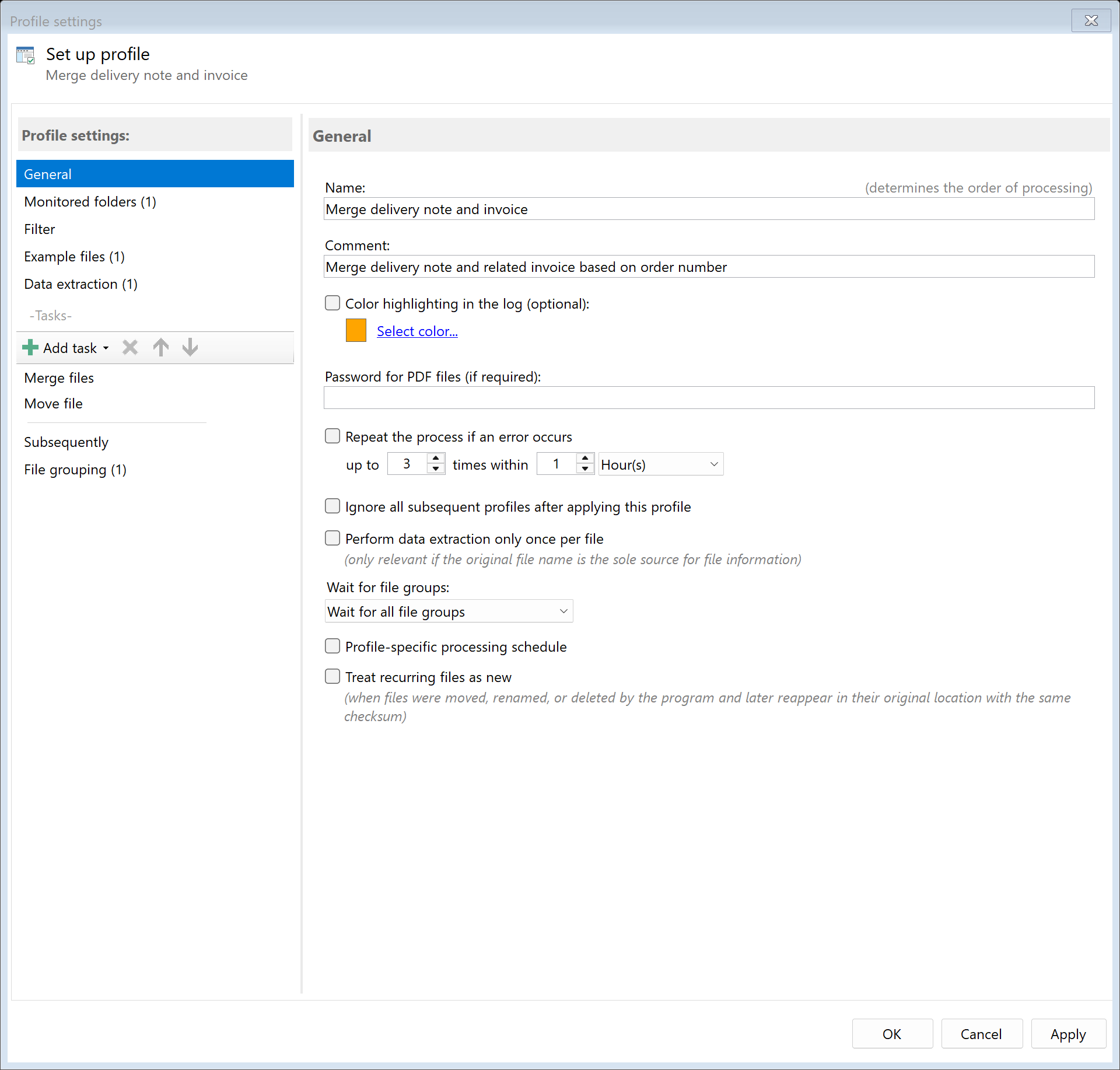
Step 1: Create profiles for document identification
Create separate profiles to identify each document type:
- Profile "Invoices": Filter for documents containing "Invoice" or "INV-"
- Profile "Delivery Notes": Filter for documents containing "Delivery" or "DN-"
Alternatively, use a single profile with filters to identify both types.
Step 2: Extract matching identifiers
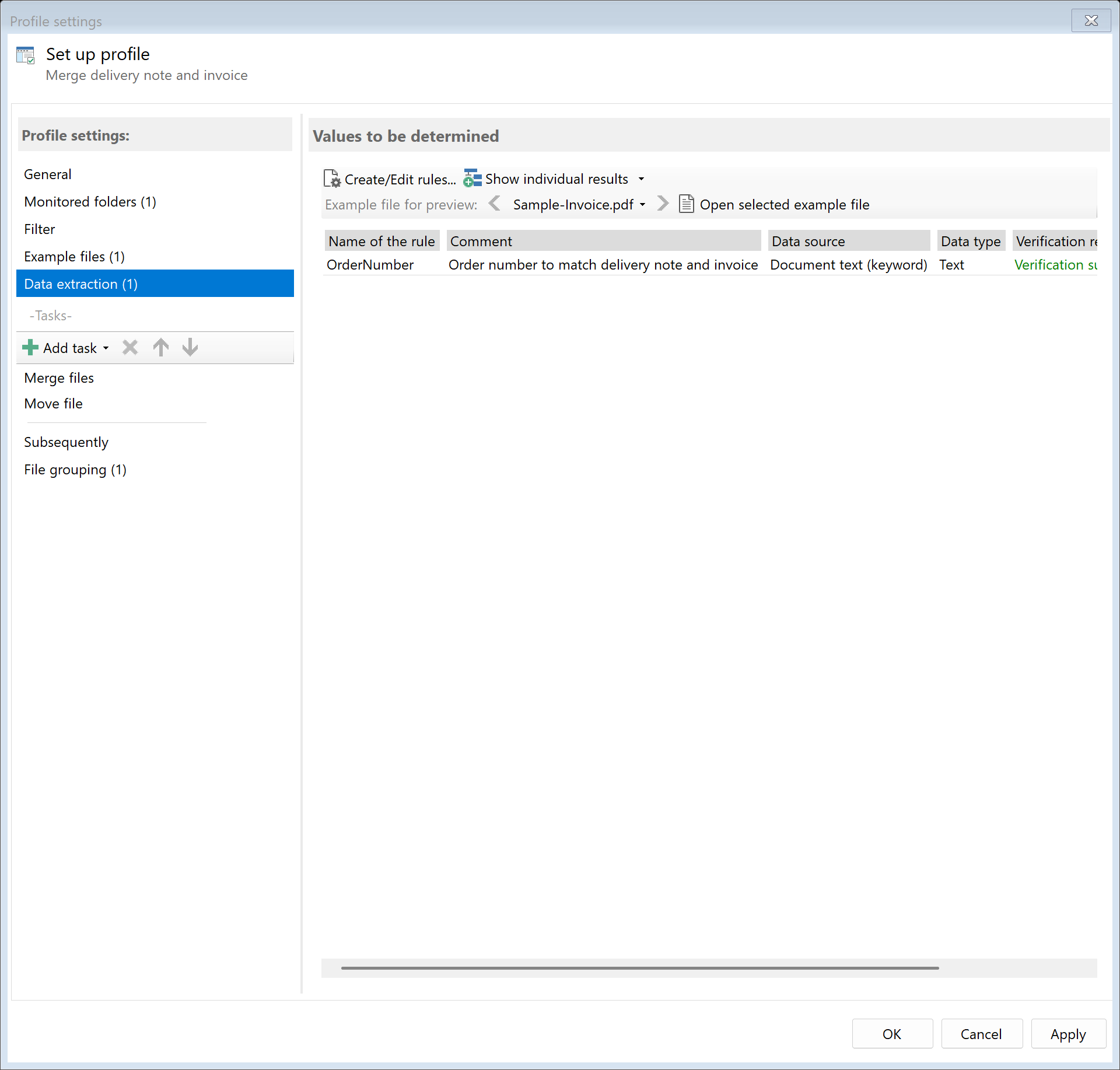
Create extraction rules to identify the common reference number that links
delivery notes to their invoices:
- Order number: Common reference on both documents
- Delivery note number: Referenced on the invoice
- Customer number: For organizing by customer
Step 3: Use file grouping for matching
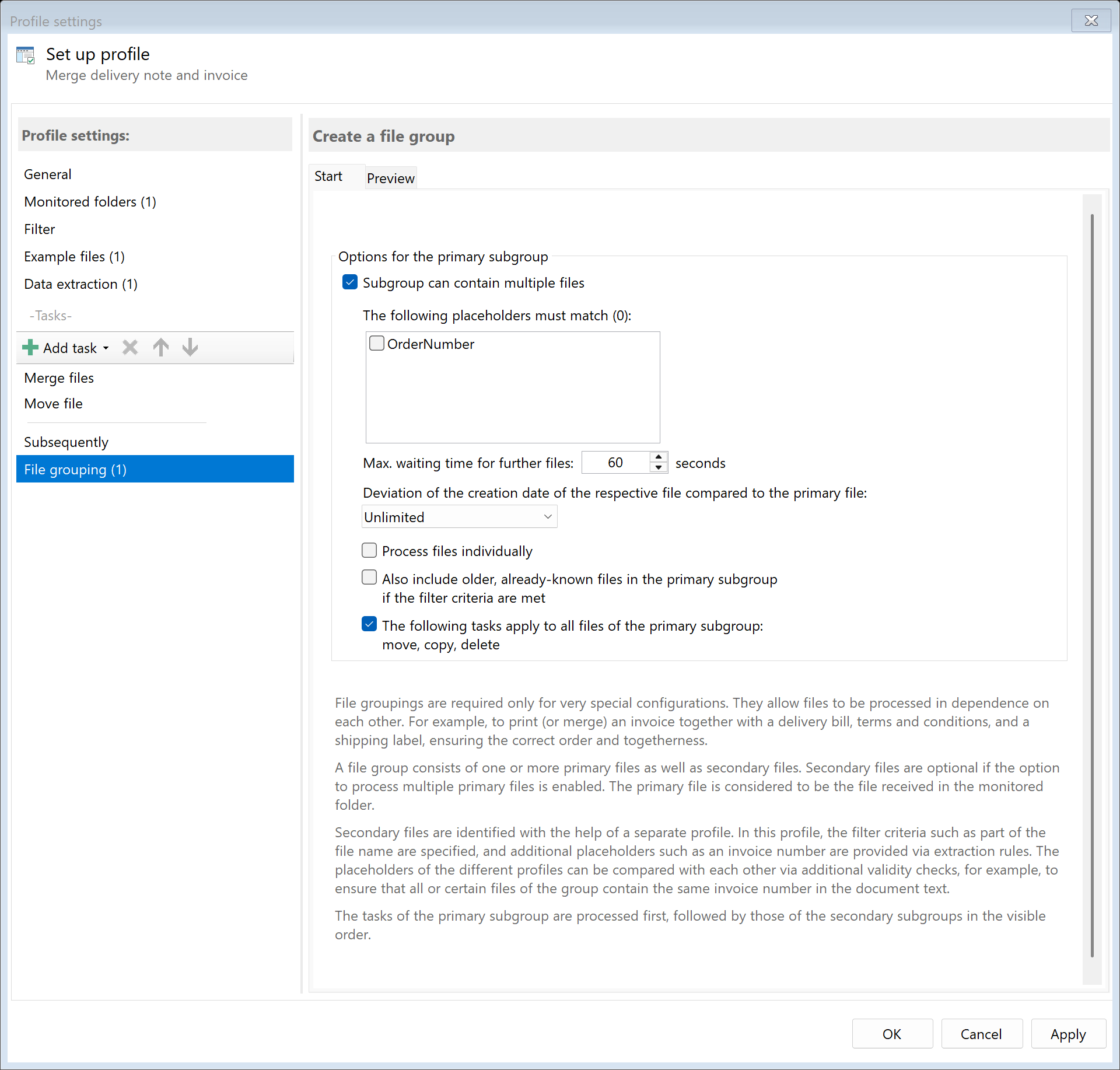
Enable file grouping to process related documents together:
- Go to the "File Group" tab in profile settings
- Enable "Group files"
- Set grouping key to the common identifier (e.g., order number)
- Configure timeout to wait for related documents
Learn more about file grouping
Step 4: Configure document processing
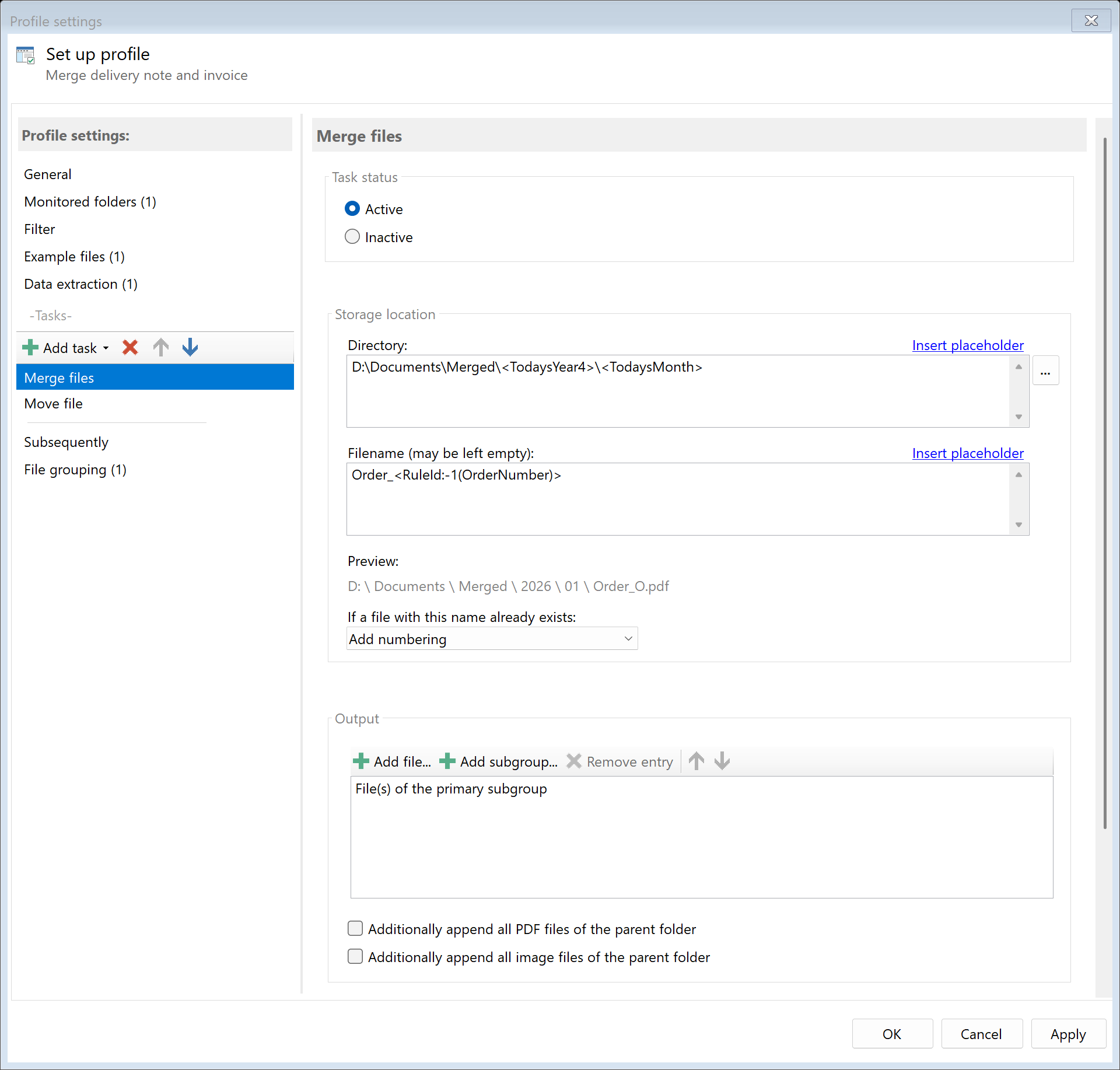
Choose how to handle the grouped documents:
| Option |
Description |
Use case |
| Merge |
Combine into single PDF |
Complete order documentation |
| Print together |
Print both documents |
Shipping department |
| Move to folder |
Organize in same folder |
Order-based archiving |
| Embed |
Attach DN to invoice |
Accounting records |
Result
After configuration, incoming documents are automatically:
- Identified as invoice or delivery note
- Common reference numbers extracted
- Related documents grouped together
- Processed according to your configuration (merged, printed, archived)